

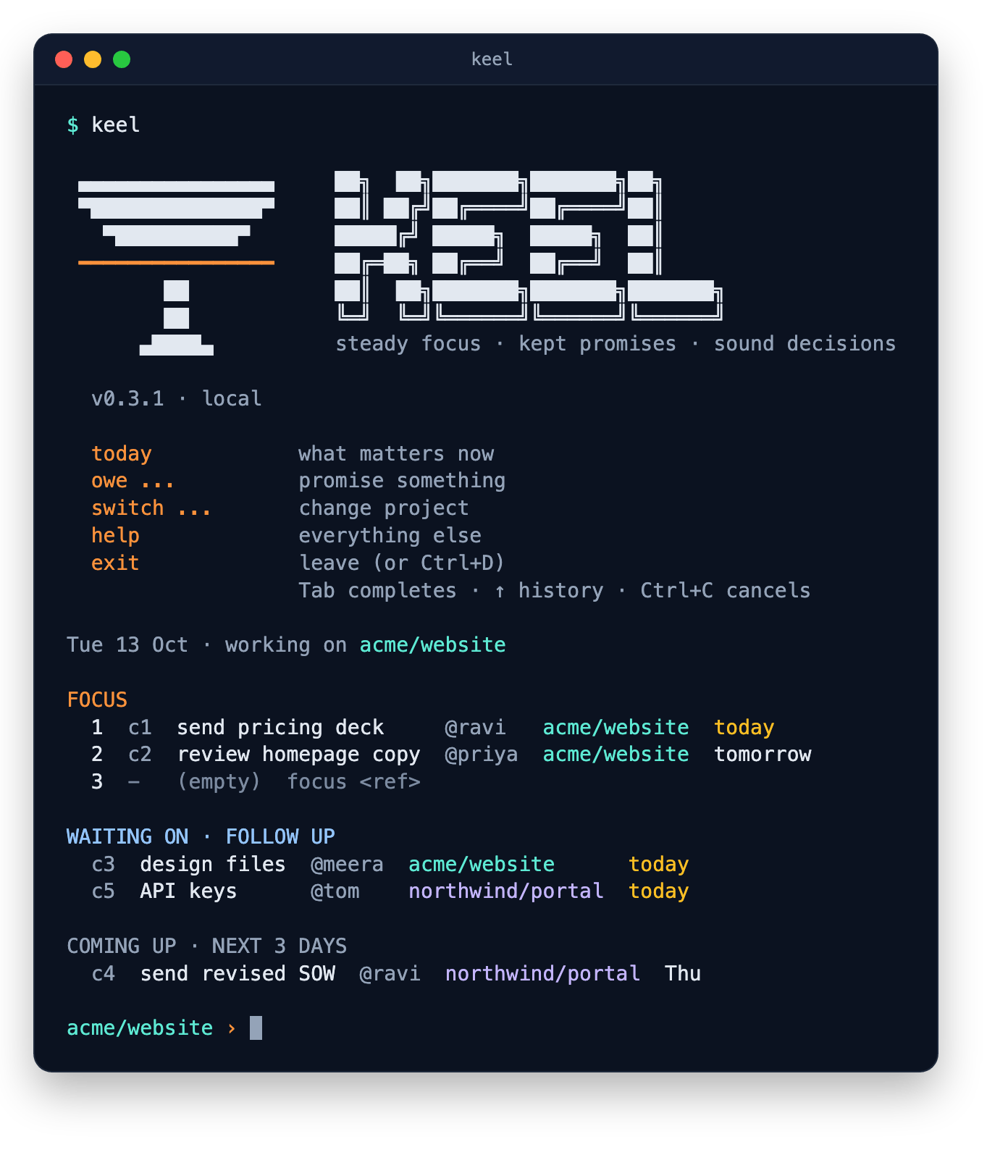
The Keel shell: run keel, and type commands without a prefix
Install
One npm command. Needs Node.js 20.19 or newer.
Quickstart
From install to your first promise in five minutes.
The ideas
Clients, projects, owe and wait, focus, resume notes.
Every command
The full reference, with examples.
What it does
- Commitments: “I owe” and “waiting on”, each with a person and a due date. Renegotiated dates count differently from silent slips.
- Today: up to three things in focus, plus anything due, late or waiting for a follow-up.
- Context switching: move between projects in one command, with a resume note waiting for you when you come back.
- Meetings: capture promises as they come up, one line each.
- Friday review: a guided walk through every open loop, ending with a week summary.
- Two terminals: the
keelcommand, and the same terminal in your browser withkeel serve, in light or dark. - Your data: a local SQLite file, with daily backups. Optionally synced across your devices through a hosted database.
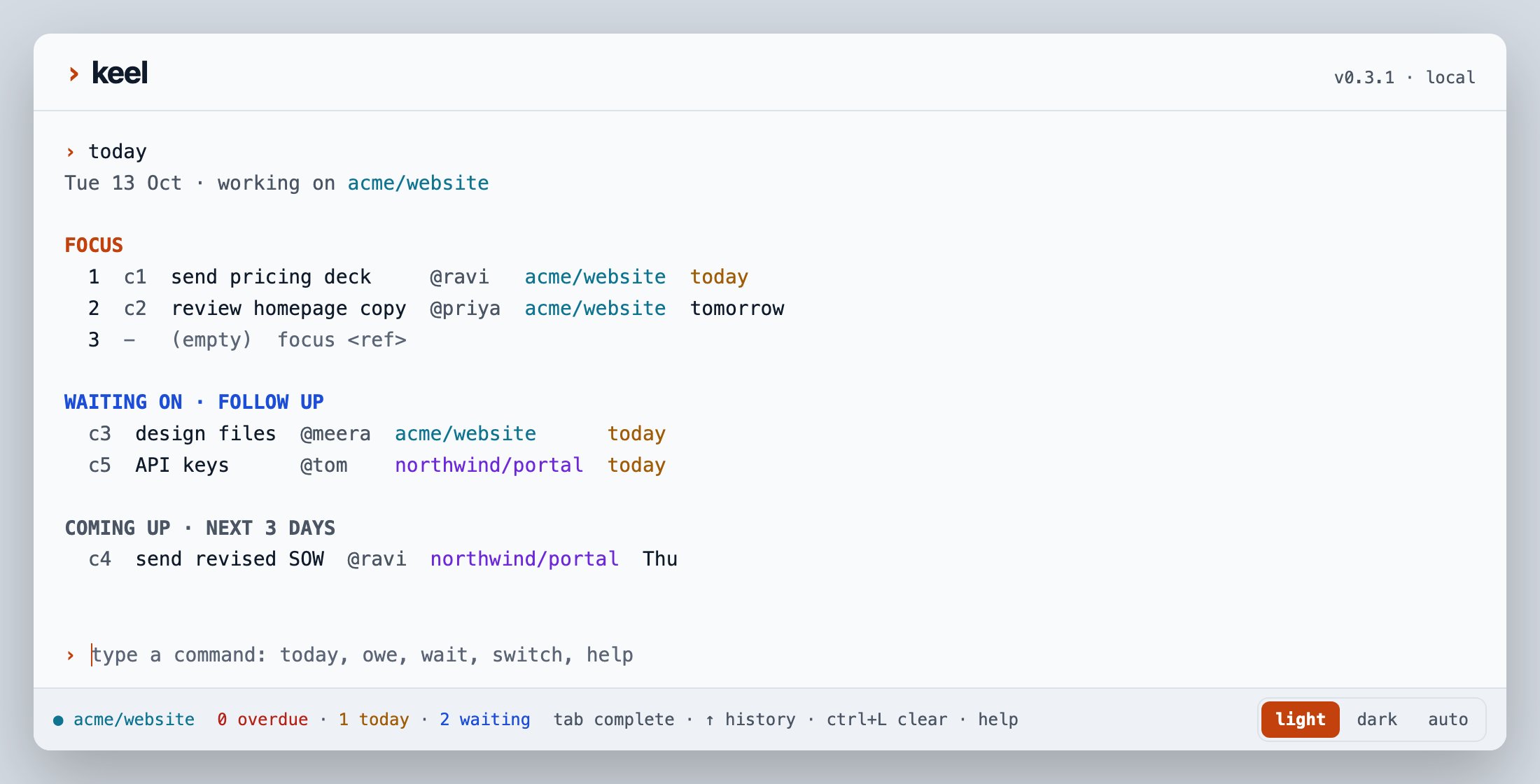
The same terminal in your browser with keel serve